
AI blog writing for Shopify vs WordPress: which wins on traffic
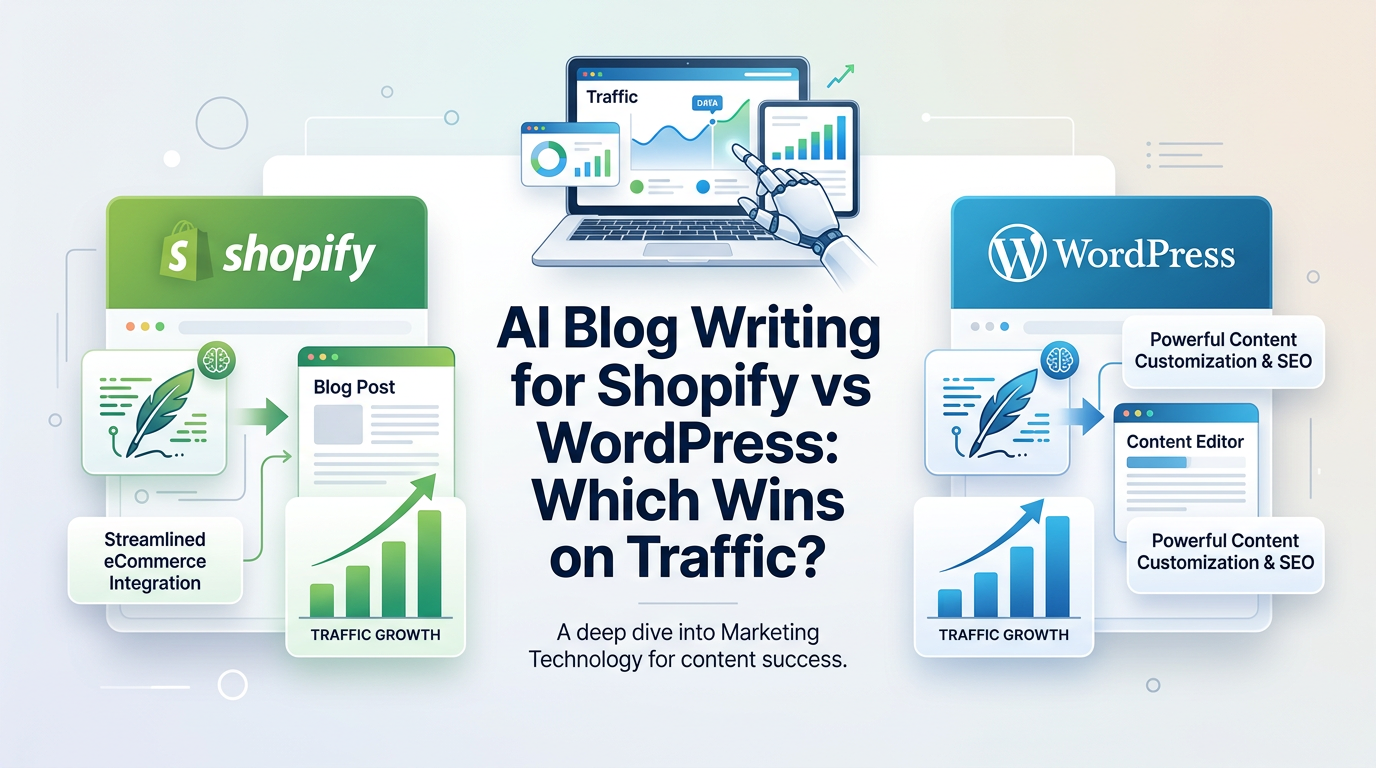
Most side hustlers wonder if AI blog writing for Shopify or WordPress will move the traffic needle faster. The platform you choose affects publishing speed, SEO hygiene, and how easily AI can keep your pipeline full.
In this guide, you will learn how Shopify and WordPress compare for AI written blogs, what impacts organic traffic on each CMS, and when to pick one over the other. Key takeaway: both can rank, but setup, integrations, and workflow make one a better fit depending on your store or service.
How AI blog writing works on each platform
What AI changes and what stays the same
AI accelerates ideation, drafting, and on-page SEO. It does not replace technical SEO basics like correct URLs, fast hosting, or a crawlable structure. Your CMS determines how painless those basics are.
Why the CMS matters for traffic
Your CMS controls site speed defaults, URL structure, schema options, and publishing workflow. Even great content underperforms when indexing is slow or metadata is messy. A good AI pipeline plus a cooperative CMS shortens the path from draft to ranking.
AI blog writing for Shopify
Strengths for ecommerce traffic
Shopify is purpose built for stores. It keeps hosting fast, security managed, and product pages structured. For AI blogs, that means fewer technical chores and a clear link path to collections and products. Native apps and integrations can auto publish posts and route internal links to revenue pages.
Common Shopify SEO constraints
Out of the box, Shopify locks certain URL patterns and theme level elements. While this rarely blocks ranking, granular control over URL slugs, metadata, or schema may depend on your theme or apps. You will lean on an integration to automate sitemaps, FAQ schema, and internal links.
Recommended AI workflow on Shopify
- Connect an AI blogging tool with a direct Shopify integration.
- Let it scan your site and collections to propose topics that map to buying intents.
- Approve outlines, then schedule weekly or biweekly posts.
- Ensure the integration updates sitemap.xml and pings Google.
- Link posts to collections and featured products with clear calls to action.
AI blog writing for WordPress
Strengths for content flexibility
WordPress offers deep control over URLs, categories, tags, schema, and plugins. For AI driven content, this flexibility helps you build topic clusters, custom taxonomies, and rich internal linking. Technical SEO plugins provide granular settings for titles, meta, and indexing rules.
Common WordPress SEO constraints
With freedom comes maintenance. Speed depends on your host, caching, and plugin mix. Security and updates require attention. Too many plugins can slow rendering and hurt Core Web Vitals. You must configure sitemap and schema correctly or use a reliable plugin or integration.
Recommended AI workflow on WordPress
- Connect an AI blog writer that publishes directly to your WP install.
- Use a single SEO plugin for titles, meta, and sitemaps to avoid conflicts.
- Define topic clusters and categories before you schedule posts.
- Add internal link rules so new posts reference cornerstone pages.
- Monitor performance with Search Console and adjust cadences as needed.
Traffic impact factors that matter more than platform
Content quality and intent alignment
Whether you publish on Shopify or WordPress, traffic growth depends on matching search intent. Tutorials, comparisons, and buyer guides that answer specific questions outperform thin product announcements.
Internal linking to revenue pages
Every post should link to at least one high value page. On Shopify, that is usually a collection or product. On WordPress, it might be a service or lead magnet page. Set rules so AI generated posts always include these links logically.
Crawlability and freshness
Fresh, consistent publishing helps discovery. A good workflow updates your sitemap and triggers a recrawl soon after publish. Avoid orphaned posts by linking new articles from category pages and recent posts widgets.
Shopify vs WordPress for AI publishing speed
Before you choose, consider how quickly you can go from idea to live post. The table below compares typical steps.
Here is a quick view of setup steps and the time to first publish.
| Step | Shopify | WordPress |
|---|---|---|
| Connect AI tool | Native app or API | Plugin or API |
| Draft approval | In app | In app or WP editor |
| Auto publish | Yes via integration | Yes via plugin/integration |
| Sitemap update | Usually handled by app | SEO plugin or integration |
| Time to first post | Minutes to an hour | Minutes to a few hours |
On page SEO controls compared
This table highlights common on page elements you will touch with AI blog writing for Shopify and WordPress.
| Element | Shopify | WordPress |
|---|---|---|
| Title and meta | Theme fields or app | SEO plugin fields |
| URL control | Limited patterns | Granular control |
| Schema markup | Theme or app generated | Plugin or custom |
| Internal link tools | App rules and menus | Plugins and custom rules |
| Image alt and compression | Theme or app | Plugins and CDNs |
Content architecture and topic clusters
Building clusters on Shopify
Use blog tags and collections to group content. Create hub posts that answer broad questions, then link to specific how tos, comparisons, and product deep dives. Keep URLs simple and avoid duplicate tag pages that thin relevance.
Building clusters on WordPress
Leverage categories for clusters and tags for supportive connections, not duplicates. Create cornerstone pages per cluster and ensure each new post links up to its hub. Use a related posts block driven by category to reduce orphan content.
Integrations, auto publish, and AI search visibility
Auto publish and scheduling
Choose a tool that schedules and publishes without copy paste. On Shopify, this means a native app that writes and posts within your store. On WordPress, use a plugin or API connection that creates drafts, lets you approve, and then schedules automatically.
Sitemaps and recrawl automation
Make sure every publish updates sitemap.xml and pings Google. This shortens the lag between going live and appearing in the index. If your tool supports it, also refresh internal links in older posts to point to new content.
Structured FAQs and llms.txt
If your audience uses AI search, add structured FAQs to key posts and host an llms.txt file to describe your content for large language models. This can improve visibility across AI answers and chat style engines.
When to pick Shopify over WordPress
Best fit scenarios for Shopify
- You run an ecommerce store and want AI blogs to drive product discovery.
- You value simplicity and speed over granular technical controls.
- You prefer a native integration that just works with minimal setup.
Signs Shopify might not be ideal
- You need custom URL structures and taxonomy beyond standard patterns.
- You want to experiment with advanced schema or headless setups without app limits.
When to pick WordPress over Shopify
Best fit scenarios for WordPress
- You publish content heavy sites or service pages with complex clusters.
- You want fine control over URLs, schema, and SEO plugins.
- You have the time or help to manage hosting, performance, and updates.
Signs WordPress might not be ideal
- You lack bandwidth for plugin hygiene and speed tuning.
- You need a turnkey store first and content second.
Practical setup checklists
Shopify quick start
- Install a native AI blog app and connect your store domain.
- Let it scan products and collections for topic ideas.
- Approve 8 to 12 posts for the next quarter and set a weekly cadence.
- Enable sitemap updates, Google pings, and FAQ schema if available.
- Add internal links from posts to collections and featured products.
WordPress quick start
- Choose a fast host, enable caching, and install a single SEO plugin.
- Connect your AI writer via plugin or API with publish permissions.
- Define 3 to 5 clusters with cornerstone pages before drafting.
- Approve 8 to 12 posts, schedule weekly, and enable sitemap updates.
- Use a related posts block and a link automation plugin carefully.
Measuring results and iterating
Core metrics to track
- Index coverage in Search Console
- Clicks, impressions, and average position by post
- Organic sessions to revenue pages linked from posts
- Conversion rate from blog to add to cart or lead
How to refine your pipeline
Review queries weekly. If a post gets impressions but low clicks, adjust title and meta. If it gets clicks but no conversions, strengthen internal links and calls to action. If indexing lags, validate sitemaps and remove thin tag archives.
Example topic clusters that work on both
Ecommerce cluster example
- Hub: Best gifts under 50 for [niche audience]
- Spokes: Product comparisons, use cases, care guides, sizing tips
- Conversion links: Collections and top sellers
Services cluster example
- Hub: How to choose a [service] for [specific need]
- Spokes: Pricing breakdowns, DIY vs pro, checklists, regional guides
- Conversion links: Service pages and booking forms
Final comparison table
This table summarizes which platform typically wins for a given priority.
| Priority | Better fit | Why |
|---|---|---|
| Fast setup | Shopify | Managed hosting and simple defaults |
| Deep SEO control | WordPress | Granular URLs, schema, and plugins |
| Ecommerce linking | Shopify | Native product and collection structure |
| Content heavy sites | WordPress | Flexible taxonomies and clusters |
| Low maintenance | Shopify | Fewer moving parts |
Choosing based on your stack and skills
If you are a solo founder with a store
Pick Shopify with a native AI publishing app. Set a weekly schedule and route every post to collections and top sellers. Keep your theme lean and images compressed.
If you are content led or already on WordPress
Stay on WordPress, standardize your plugins, and let an AI writer push drafts straight to your site. Use categories as clusters and keep permalinks clean.
Implementation tips that prevent traffic leaks
Keep templates lightweight
Heavy themes slow rendering. Minify CSS and JS, lazy load images, and compress media. Speed is a ranking and conversion lever on both CMSs.
Guard against duplicate content
Avoid near duplicates across tags or pagination. Consolidate with canonical tags and clear category hierarchies.
Maintain a consistent cadence
A steady schedule trains crawlers and audiences. AI makes this easier, but you still need quality thresholds and editorial review.
Key Takeaways
- Both Shopify and WordPress can rank with AI written blogs if basics are handled.
- Shopify wins for speed and ecommerce linking with lower maintenance.
- WordPress wins for deep SEO control and complex content architectures.
- Auto publish, sitemap updates, and internal linking matter more than CMS.
- Pick the stack that matches your skills and the type of pages that make money.
Choose the platform that fits your workflow, then let AI keep the content engine running while you focus on serving customers.
Frequently Asked Questions
- What is the primary keyword for this guide?
- AI blog writing for Shopify is the primary keyword, used in the title, intro, and a heading.
- Can Shopify or WordPress rank better with AI content?
- Both can rank well if technical basics are covered and posts align with search intent, include internal links, and get indexed quickly.
- Do I need plugins or apps for auto publishing?
- Yes. Use native apps on Shopify or plugins and API integrations on WordPress to schedule and auto publish AI written posts.
- How many AI posts should I publish each month?
- Aim for 4 to 8 quality posts per month. Consistency matters more than volume. Keep each post helpful, original, and well linked.
- Will AI written posts hurt SEO?
- No if they are accurate, helpful, and edited. Search engines reward useful content regardless of how it is created.
Want this for your side hustle?
AutoBlogWriter writes, optimizes, and publishes blogs like this one automatically. 3-day free trial, no credit card needed.
Start Free Trial →